

Take MET from the comfort of home

MET has a secure, flexible remote testing option available in select countries
If traveling to a test center isn’t convenient, you can complete the exam using your own computer and internet connection. Be sure to check whether the organization receiving your scores accepts a remote MET.

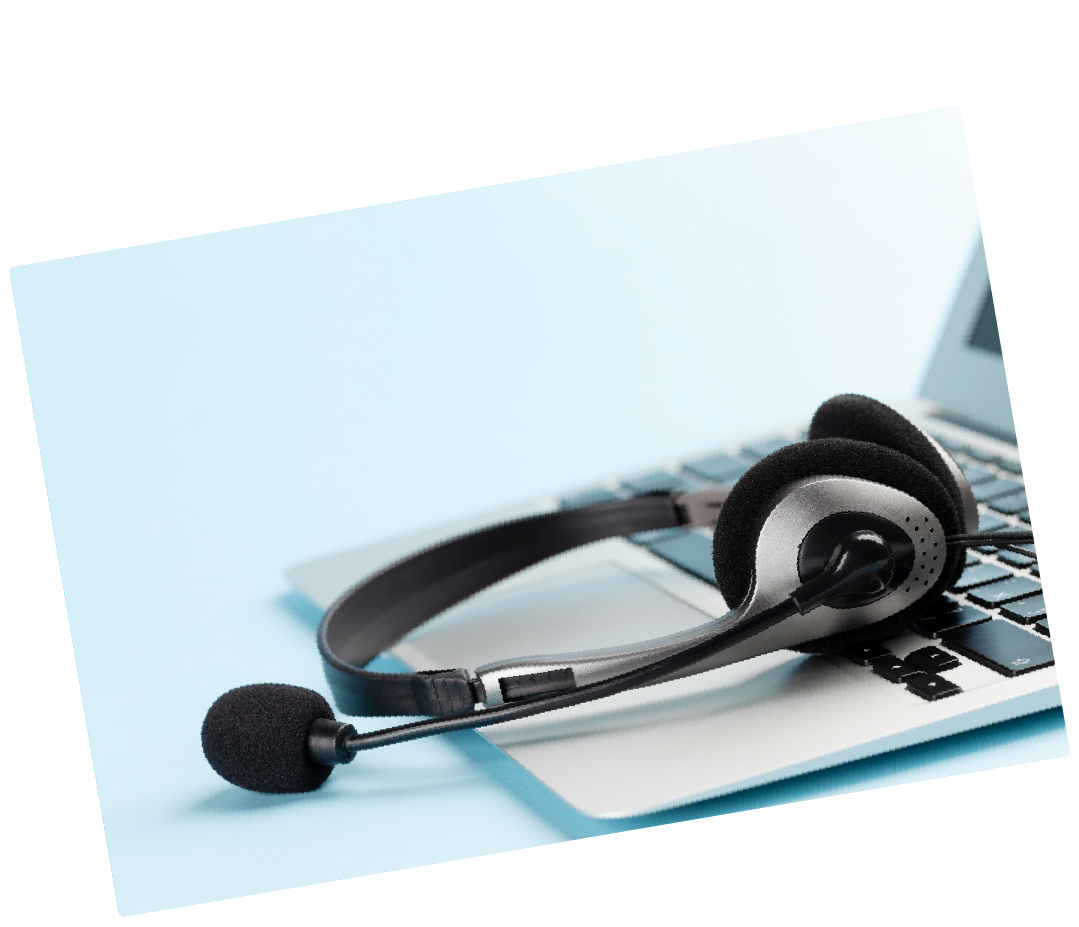
Get ready for remote testing
To take MET at home, you’ll need:
- a laptop or desktop computer (no tablets or Chromebooks)
- wired headphones and microphone
- a webcam
- stable internet connection (2.25 Mbps minimum)
- Google Chrome or Microsoft Edge browser
On test day, you’ll complete a secure check-in, then take the MET in a monitored digital environment with all responses recorded.
Know the rules
Make sure you’re familiar with policies for MET at home, which includes ID requirements, breaks, retake rules, and security protocols.